



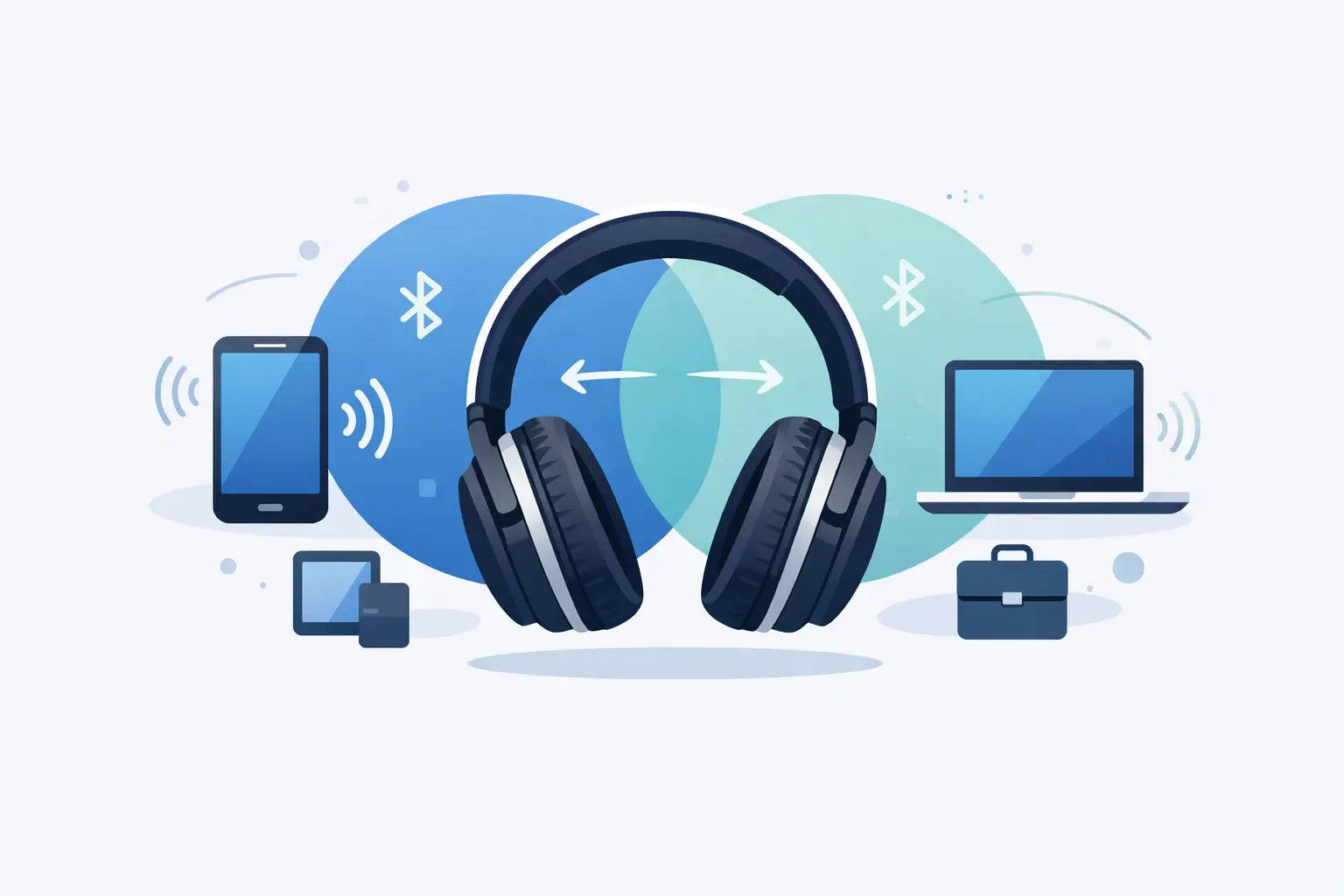
Your laptop starts ringing just as a call comes through on your phone. Without multipoint, that usually means pausing what you are doing, disconnecting one device and pairing another. Headphones with multipoint Bluetooth are designed to remove that friction, letting one pair stay connected to two devices at once.
It is a genuinely useful feature for hybrid work, commuting and everyday listening. But multipoint is not identical on every model, and the specification alone does not guarantee flawless switching. Before choosing a pair, it helps to know what it does, where it works best and which details matter beyond the headline feature.
What multipoint Bluetooth actually does
Multipoint Bluetooth allows headphones to maintain connections with two source devices simultaneously. A common setup is a phone and laptop: you can listen to music or join a video meeting on the laptop, then answer an incoming call on your phone without manually reconnecting.
That does not normally mean both devices can play audio together. Most headphones prioritise one active audio stream. If a call arrives, call audio usually takes priority. When the call ends, the headphones may return to your previous laptop audio automatically, although the exact behaviour depends on the headphone model, operating system and app being used.
The benefit is less about a clever Bluetooth trick and more about avoiding repeated pairing. If you move between a work computer, personal mobile and tablet during the day, that saved time adds up quickly.
Who benefits most from headphones with multipoint Bluetooth?
Multipoint makes the most sense when you regularly use at least two devices. For a hybrid worker, it keeps a laptop ready for Teams, Zoom or web calls while the phone remains available. For commuters, it means listening from a phone on the train and taking a work call from a laptop once at the office without going into Bluetooth settings.
It is also useful at home. You might watch a film on a tablet, then pick up a call from your phone. Or use a desktop PC for music while keeping your mobile connected for notifications and calls. The experience is particularly convenient with over-ear noise cancelling headphones, where taking the headphones off and reconnecting them repeatedly can quickly become irritating.
There are limits. If you only ever listen from one phone, multipoint should not be the deciding reason to pay more. Sound quality, comfort, battery life, microphone performance and active noise cancelling may have a bigger effect on whether you enjoy the headphones every day.
Multipoint is not the same as multi-device pairing
Some headphones remember several previously paired devices but can connect to only one at a time. That is multi-device memory, not true multipoint. You still need to disconnect from the first device before using the second.
When comparing specifications, look for wording such as “multipoint connection”, “connect to two devices simultaneously” or “dual device connection”. If a listing only says it can remember multiple devices, check carefully before assuming instant switching is included.
What to check before you buy
Multipoint is most useful when the rest of the headphone specification suits your routine. A premium branded pair at a good sale or refurbished price can represent excellent value, but only if its connection features work with the devices you actually use.
Start with compatibility. Bluetooth headphones will generally work with Android phones, iPhones, Windows laptops, Macs and tablets, but manufacturer apps and advanced settings can differ. Some brands enable multipoint by default; others require it to be switched on in their companion app. Firmware updates can also improve reliability, so keeping the headphones updated is worthwhile.
Then consider these practical points:
- Switching behaviour: Check whether calls automatically interrupt music and whether audio returns to the original device afterwards. This is where models can feel noticeably different in real use.
- Microphone quality: Multipoint is especially valuable for calls, so clear voice pickup and sensible background-noise handling matter more than an impressive-sounding feature list.
- Battery life with ANC: Active noise cancelling and multipoint can both increase power use. Check the quoted battery figure for your preferred listening mode, not just the maximum figure with features turned off.
- Codec support: AAC can be useful for Apple devices, while LDAC or aptX variants may appeal to Android listeners. Be aware that certain high-quality codecs can be unavailable when multipoint is active on some headphones.
- Controls and app settings: Physical buttons are often easier for calls, volume and switching than touch controls. An app with clear device management is useful if you use multipoint every day.
The trade-offs: sound quality, gaming and reliability
Multipoint is convenient, but it asks more of the headphone connection. On certain models, enabling it may limit access to a higher-bandwidth Bluetooth codec. For most streaming, podcasts and calls, this is unlikely to be a major concern. For listeners with lossless files or a strong preference for the best available wireless audio setting, it is worth checking the manufacturer specification for the exact model.
Gaming is another case where the answer depends on the headset. Bluetooth multipoint is useful if you want a phone connected while using a computer, but Bluetooth alone can introduce delay. Competitive players should prioritise a headset with a dedicated low-latency USB wireless dongle, such as 2.4 GHz wireless, if supported by their platform.
Some gaming headsets can run a 2.4 GHz connection to a PC or console while also keeping a Bluetooth phone connection active. That is not always labelled standard multipoint, but it can be even more useful: game audio stays on the low-latency wireless connection while you take a mobile call or hear phone notifications. Check platform compatibility carefully, especially for PlayStation, Xbox and Nintendo Switch use.
Reliability also varies by setup. A laptop that aggressively manages Bluetooth power, an outdated operating system or a crowded wireless environment can make switching seem less dependable than it is. If your headphones appear connected but no sound plays, pause audio on the other device first. Often, that device still has control of the active audio stream.
Over-ear, on-ear or earbuds?
For work and travelling, over-ear headphones are often the strongest choice. They usually offer longer battery life, more effective ANC, larger controls and better microphone placement. They are also comfortable for long listening sessions, although they take up more space in a bag.
On-ear headphones are lighter and often more portable, but the fit can be less forgiving over several hours. True wireless earbuds are the easiest option to carry and can offer multipoint on selected models, making them a good fit for short calls, gym sessions and day-to-day travel. Their smaller batteries and microphones can be less capable than a quality over-ear pair, particularly in windy or busy places.
Think about where you will use them most. A commuter who wants quiet on a busy train may favour over-ear ANC headphones. Someone taking calls between meetings may prefer compact earbuds. A gamer should put wireless mode, platform support and microphone performance ahead of multipoint alone.
A straightforward buying decision
Choose multipoint if your day involves a phone plus a computer, tablet or second mobile. It is one of those features that can seem minor on a product page but becomes hard to give up once it removes the repeated disconnect-and-reconnect routine.
Do not let it override the fundamentals. Prioritise a comfortable fit, the right connection type for your devices, dependable call quality and battery life that matches your week. A recognised-brand model with a clear warranty, whether new or refurbished, can be a sensible way to get those essentials and multipoint Bluetooth without paying full recommended retail price.
The best pair is the one that stays out of your way: ready for your laptop when work starts, ready for your phone when life interrupts, and comfortable enough that you do not think about the headphones at all.