



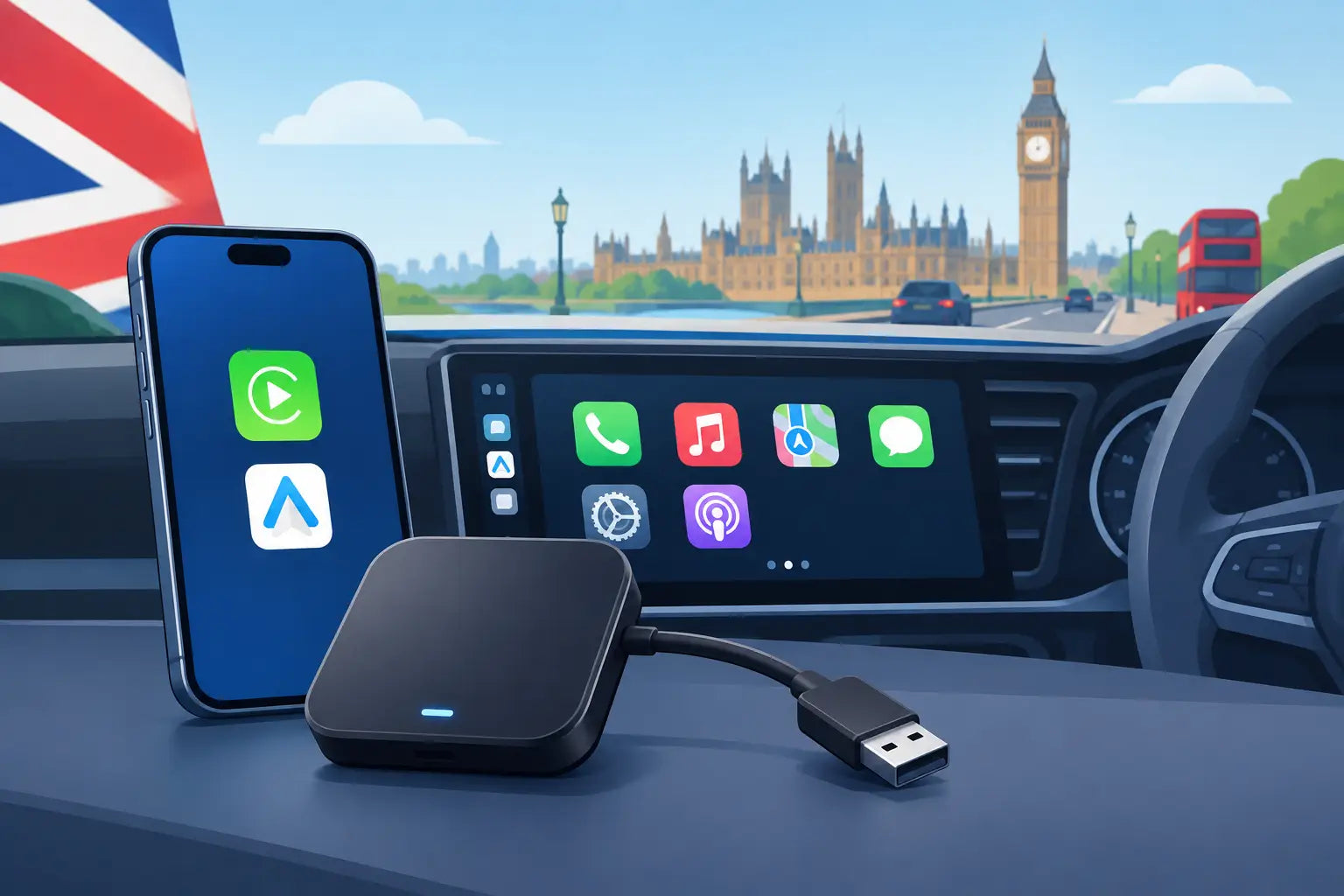
A wired phone connection is reliable, but it is also one more job to do every time you get in the car. This Ottocast adapter review looks at whether moving to wireless Apple CarPlay or Android Auto is a worthwhile upgrade, who will benefit most, and the compatibility checks that matter before ordering.
The short version is that Ottocast adapters can make a noticeable difference to daily driving when your car already has factory-fitted wired CarPlay or Android Auto. They remove the cable from routine journeys, bring maps and music onto the screen shortly after starting the car, and keep your dashboard tidier. They are not, however, a way to add smartphone integration to a basic head unit that has never supported it.
What an Ottocast adapter actually does
Most Ottocast wireless adapters plug into the USB port your phone normally uses for wired CarPlay or Android Auto. After a short first-time pairing process, the adapter connects to your phone using Bluetooth and Wi-Fi. Your car still sees a CarPlay or Android Auto connection, while your phone can stay in your pocket or bag.
That distinction matters. A wireless CarPlay adapter is designed for a vehicle with wired Apple CarPlay already installed. An Android Auto version needs existing wired Android Auto. Combination models support both, but the car must support the wired version of the system you intend to use.
Ottocast also makes more advanced AI box products. These usually run apps on the car display and may offer video or a fuller Android-style interface. They are aimed at buyers who want more than wireless CarPlay or Android Auto, but they are not the obvious choice for everyone. For navigation, calls, Spotify and everyday messaging, a standard wireless adapter is generally simpler, less distracting and better value.
The compatibility question to answer first
Before comparing prices or features, check your vehicle's infotainment specification. Your phone must currently work when connected by a data-capable USB cable to the car's CarPlay or Android Auto port. A USB socket that only charges a phone is not enough.
Some original equipment systems have quirks around software versions, USB ports and screen behaviour. Aftermarket head units can work well too, provided they offer wired CarPlay or wired Android Auto. If your car only has Bluetooth calling and music streaming, an Ottocast wireless adapter will not create CarPlay or Android Auto from scratch.
It is also worth checking which connection you need. iPhone users should confirm Apple CarPlay support, while Android users need Android Auto. Shared cars benefit from a dual-system adapter, although two regularly used phones may occasionally compete to connect first. That is normal behaviour rather than a fault, but it is worth planning for.
Ottocast adapter review: everyday performance
The best reason to buy an Ottocast adapter is convenience. On a ten-minute commute, plugging in a cable does not sound difficult. Do it twice a day, every day, and the benefit becomes clear. Wireless access means maps, podcasts, hands-free calls and music are ready with far less faff.
Connection time varies by car, phone and adapter model. Expect the infotainment system to start first, then the adapter and phone to follow. It will not be as immediate as switching on a radio, but in a properly compatible car it should be quick enough to feel natural by the time you have selected reverse, set the climate controls and pulled away.
Audio quality through CarPlay and Android Auto is typically very good because the adapter is passing the digital connection to the vehicle system. Calls should remain clear, and steering-wheel controls, voice commands and the factory microphone normally continue to work. Navigation apps such as Apple Maps, Google Maps and Waze retain the main benefits that make phone integration useful in the first place.
There are trade-offs. Wireless connections can introduce a small delay when skipping tracks or using the touchscreen. Map updates can occasionally lag behind a wired connection, especially in areas with busy Wi-Fi signals or when the phone is working hard with navigation, music streaming and mobile data at once. For most drivers this is minor, but drivers who demand the fastest possible response may prefer a cable.
Battery use is the other practical consideration. Wireless CarPlay and Android Auto use more phone battery than a wired connection, particularly on longer journeys with navigation running. A 12V charger, wireless charging pad or spare cable is sensible for regular motorway trips. The adapter replaces the data cable, not necessarily the need to charge your phone.
Setup is straightforward, but do it properly
Initial setup is usually a one-time task. Plug the adapter into the car's correct USB data port, pair your phone when prompted, accept the necessary permissions, then allow the device to reconnect automatically in future. Keep Bluetooth and Wi-Fi enabled on your phone, as both are typically needed for wireless operation.
If the connection does not appear immediately, start with the basics. Confirm that the phone works with wired CarPlay or Android Auto first. Try the other USB port if your vehicle has more than one, as only one may carry data. Restart the car's infotainment system and phone, then remove old Bluetooth pairings if a previous adapter or vehicle connection is interfering.
Software updates can also improve compatibility, so it is sensible to use current phone software and check whether your adapter supports an update. This is particularly relevant after a major iOS or Android update. As with any in-car accessory, avoid changing settings while driving. Pair and test it while parked.
When wired is still the better option
An Ottocast adapter is not automatically the right answer for every driver. If you take long trips, rely on navigation all day and want your phone charging at maximum speed, wired CarPlay or Android Auto still has real advantages. It is often the most stable option and avoids battery drain.
Likewise, drivers who switch between several phones may find a cable more predictable. The first paired device will commonly reconnect, so households with two drivers using different operating systems should choose a model suited to both or be prepared to manage connections. If your car has unreliable factory infotainment, adding an adapter may expose those existing issues rather than fix them.
For many people, the sensible middle ground is to use wireless day to day and keep a cable in the car. That gives you the convenience of automatic connection for local journeys and a dependable charging option for longer runs.
Value: which Ottocast buyer gets the most from it?
Ottocast makes the most sense for drivers with a relatively modern car that already offers wired smartphone integration but makes cable use awkward. This could be a USB port tucked under an armrest, a phone stored in a pocket, or a family car where the cable is constantly being moved between passengers.
It is also a useful upgrade for leased vehicles. You can improve the daily experience without replacing the head unit or making permanent changes to the car. When it is time to change vehicle, the adapter can usually come with you, subject to compatibility with the next car.
Value is less about headline specifications and more about buying the right type. A dedicated wireless CarPlay adapter is the sensible route for an iPhone-only driver. An Android Auto model fits an Android household. A dual adapter costs more but can prevent compatibility problems when different phones use the same car. An AI box should be considered only if you specifically want its additional app capability and understand any vehicle-specific limitations.
Buying from a retailer that clearly states the model, condition and warranty is useful here. Compatibility-led products are easy to buy quickly and harder to judge once fitted, so an accurate listing matters more than flashy claims.
The verdict for UK drivers
Ottocast adapters are practical upgrades rather than essential gadgets. In a compatible car, they remove a small daily annoyance and make the factory screen more convenient for the things drivers already use: directions, calls, music and voice control. The experience is strongest for short and regular journeys where taking out a phone and connecting a cable feels unnecessary.
Check that your car has wired CarPlay or Android Auto, choose the adapter that matches the phones in your household, and keep a charging cable for longer journeys. Get those three details right and an Ottocast adapter can be one of the more useful, low-effort upgrades you make to your car.