



That short cable between your iPhone and the dashboard does more work than it gets credit for. It starts CarPlay, keeps the phone charged and usually delivers the most reliable connection. It can also be irritating on every school run, commute or quick trip to the shops. A wireless CarPlay adapter is designed to remove that repeated plug-in step, provided your car already has wired Apple CarPlay.
For many drivers, it is one of the simplest in-car upgrades available. Get the right adapter and CarPlay starts shortly after you turn on the ignition, with your maps, music, calls and messages ready on the factory display. Get the wrong one, however, and you may be left with a product that cannot work with your head unit at all. Compatibility comes before price, brand or extra features.
What a wireless CarPlay adapter actually does
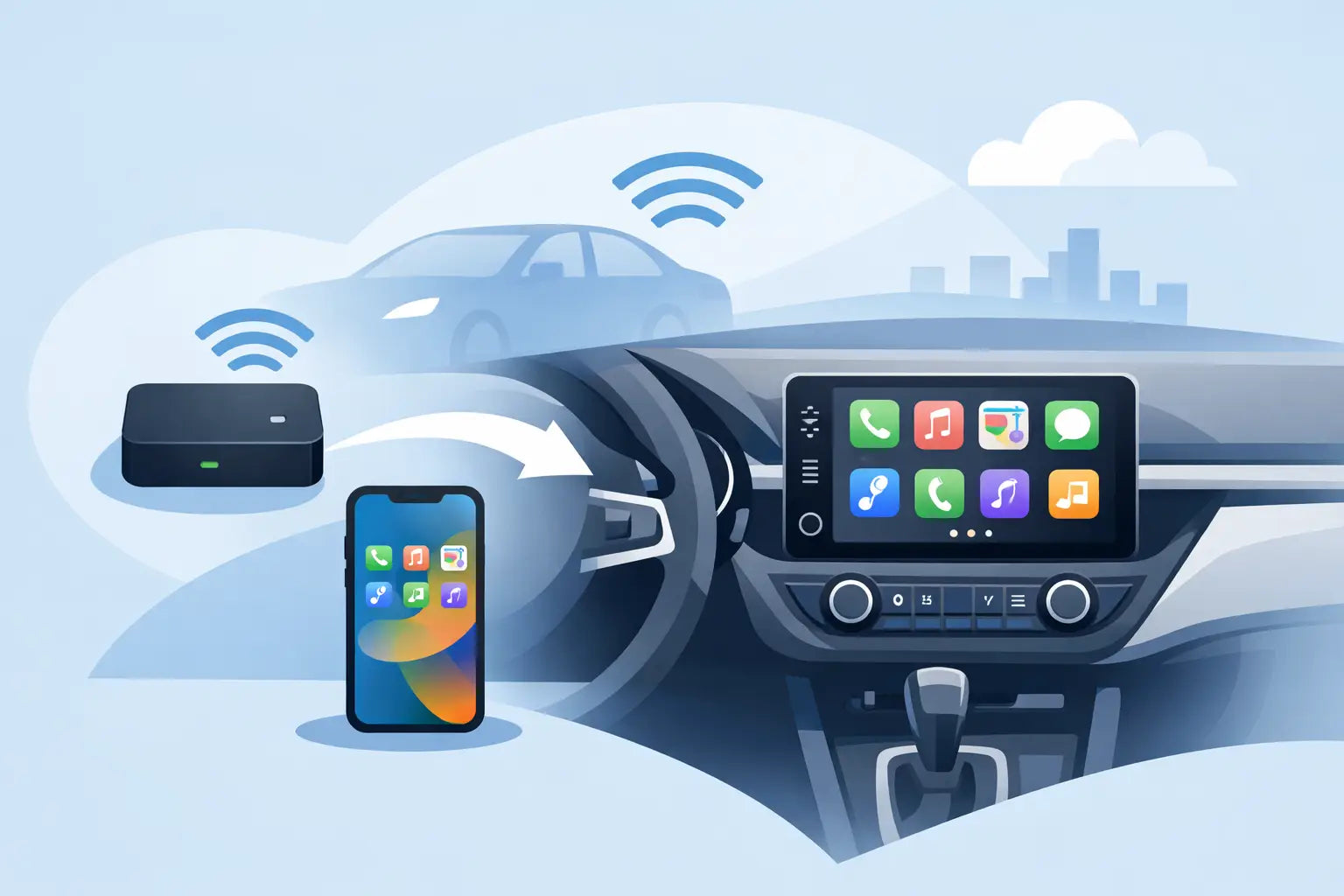
A wireless adapter plugs into the same USB port you currently use for wired Apple CarPlay. It acts as a bridge between your vehicle and your iPhone. The adapter connects to the car by USB, then uses Bluetooth to identify and pair with your iPhone before switching to Wi-Fi for the main CarPlay connection.
That detail matters because the adapter does not add CarPlay to a car that lacks it. It converts an existing wired CarPlay connection into a wireless one. If plugging your iPhone into the vehicle does not already open Apple CarPlay on the original infotainment screen, a standard wireless CarPlay adapter is not the solution.
It also does not replace your car stereo, alter the display or give an older vehicle a touchscreen. Its job is much more focused: keeping the familiar factory CarPlay experience while taking the cable out of daily use.
Is a wireless CarPlay adapter worth it?
It depends on how you use your car. If you make one long motorway journey each week, connecting a cable may not feel like a problem. If you make several short journeys a day, carry a phone in a pocket or handbag, or share the car with another iPhone user, wireless access can be noticeably more convenient.
The main benefit is not new functionality. Apple Maps, Google Maps, Waze, Spotify, podcasts, hands-free calls and Siri work as they do when wired. The difference is that the phone can stay where it is. That is particularly useful for drivers who use a charging pad, prefer to keep the cabin tidier or simply do not want to wear out a cable and phone port through constant use.
There are trade-offs. Wireless CarPlay draws more power from an iPhone than a wired connection, especially when navigation, mobile data and music are running together. On longer journeys, charging wirelessly or using a separate cable may still make sense. Start-up can also take a little longer than plugging straight in, commonly around 10 to 30 seconds depending on the car, adapter and phone.
For most compatible vehicles, sound quality and screen controls remain as expected because the factory system is still handling the display, speakers, microphone and steering-wheel buttons. The adapter is not intended to make a poor original infotainment system faster. It simply changes how CarPlay reaches it.
Check compatibility before you buy
A few checks prevent nearly every avoidable return. First, confirm that your vehicle supports wired Apple CarPlay from the factory. Do not rely only on the presence of a USB socket. Many cars have USB ports for charging or media playback but no CarPlay support.
The easiest test is practical. Connect an iPhone to the correct vehicle USB port with a known working data cable. If Apple CarPlay launches on the dashboard screen, a wireless conversion adapter should be the right type of product. If it does not launch, check the car menu, handbook or manufacturer specification before ordering.
Next, identify the port type. Some vehicles use USB-A, while newer cars may use USB-C. An adapter might have a USB-A plug, a USB-C plug or include an adaptor. Using the correct physical connection avoids an unnecessary extra lead in the centre console.
Your iPhone needs Bluetooth and Wi-Fi enabled, and it should be running a reasonably current version of iOS. CarPlay itself is supported across a broad range of iPhones, but older phones can be slower to connect and may benefit from software updates. If your car is used by more than one person, check whether the adapter supports remembered devices and how it chooses between them.
Finally, distinguish between products carefully. A wireless CarPlay adapter for iPhone is not automatically an Android Auto adapter. Some models are made only for Apple CarPlay, while others support both wireless Apple CarPlay and wireless Android Auto. A dual-function model is useful in a mixed iPhone and Android household, but there is no advantage in paying for Android support if it will never be used.
What to look for when comparing adapters
Product names can be similar, so look past the headline claim of “wireless CarPlay”. The important differences are usually connection speed, vehicle compatibility, port format and update support.
A good adapter should reconnect automatically after the initial setup, without asking you to pair the phone each time. It should keep music controls, calls, Siri and navigation responsive enough for normal driving. A tiny delay when changing tracks is not necessarily a fault, but repeated dropouts, frozen maps or delayed controls are signs that either the adapter, the phone connection or vehicle compatibility needs attention.
Firmware support is worth considering. Cars and iPhones receive updates, and adapters from recognised in-car connectivity brands such as Carlinkit and Ottocast may offer firmware updates to improve compatibility or fix specific issues. Updating is not something most owners need to do often, but it is useful to have that option rather than being stuck with first-release software.
Size can matter too. A compact adapter that sits close to the USB port keeps the cabin cleaner, although some recessed ports need a short extension cable for a better fit. If your USB port is inside an armrest or storage compartment, make sure there is enough room for the adapter and that the lid can still close.
Avoid choosing purely on the lowest price. Cheap, unbranded adapters can work perfectly well, but the support, update path and compatibility information may be less clear. For a product you will use every time you drive, a recognised model with a warranty is often the better value purchase.
Setup is usually quick
Initial setup normally takes only a few minutes. Plug the adapter into the vehicle's wired CarPlay USB port, start the car and select the CarPlay source if required. Your iPhone will then pair with the adapter through Bluetooth. Once the pairing request is accepted, the adapter creates the Wi-Fi link used for wireless CarPlay.
After that, leave Bluetooth and Wi-Fi switched on when you want CarPlay to connect automatically. You do not need to join the adapter's Wi-Fi network manually each journey. Your iPhone may show that it is connected to a network without internet access, which is normal: mobile data still provides the internet connection for maps and streaming.
If the connection does not start, begin with the simple fixes. Restart the iPhone and vehicle, confirm that you are using the correct USB port and remove any old CarPlay or Bluetooth pairing from the car before pairing again. A genuine data-capable USB cable can also help when testing wired CarPlay, as a charge-only cable will not prove compatibility.
Wired versus wireless: choose for the journey
Wired CarPlay still has a place. It is usually the best choice when your phone battery is low, when you are heading out for a long drive, or when you want the quickest and most consistent connection. It also removes any concern about wireless charging heat during extended navigation.
Wireless CarPlay is best viewed as a convenience upgrade. It suits local driving, regular commutes, short errands and anyone who gets fed up with retrieving a cable every time they enter the car. You can always keep a cable in the glovebox for charging when needed, rather than making it part of every journey.
For value-conscious buyers, that flexibility is the point. There is no need to replace a perfectly good factory infotainment system just to make the everyday experience less fiddly. A compatible adapter gives your existing CarPlay setup a more modern feel while retaining the screen and controls you already know.
Before choosing one, test wired CarPlay, check your USB port and decide whether Apple-only or Apple-and-Android support suits your household. Once those basics are right, the best wireless CarPlay adapter is the one you stop noticing - because your route, music and calls are simply ready when you set off.