



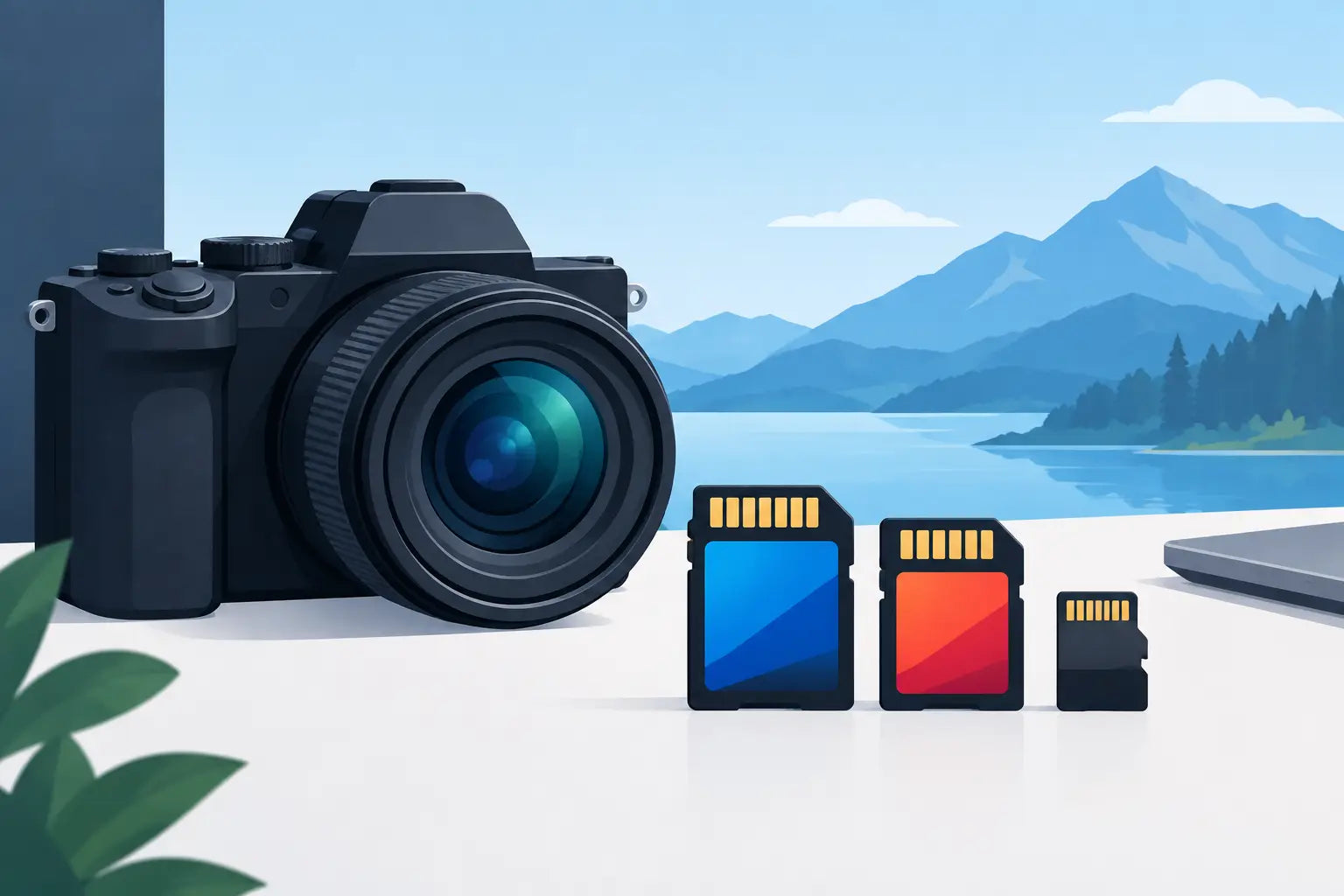
A 4K camera can produce sharp holiday footage, clean product clips and detailed gaming content, but only if its storage can keep up. Searching for a memory card for 4K camera recording means looking beyond the biggest capacity or the lowest price. The card has to sustain the camera’s write speed for the whole recording, not just look quick on the packaging.
A card that is too slow can stop recording without warning, create dropped frames or limit the video settings available in the camera menu. Choose the right format, speed class and capacity first, then compare branded options and prices with confidence.
What speed does a memory card for 4K camera need?
For many compact cameras, action cameras, drones and mirrorless models recording standard 4K video, a V30-rated SD card is the sensible starting point. V30 means the card is designed to maintain a minimum write speed of 30MB/s. That is enough for a wide range of 4K recording modes and gives useful headroom over basic cards intended for photos or Full HD video.
The key word is minimum. A package may advertise read speeds of 170MB/s or more, but fast read speed mainly helps when transferring footage to a laptop or card reader. Your camera cares most about write speed, because it is constantly saving data while you record.
Higher-bitrate modes need more. If your camera records 4K at high frame rates, uses an All-Intra codec, captures 10-bit footage or offers professional video settings, look at V60 or V90 cards. These maintain minimum write speeds of 60MB/s and 90MB/s respectively. They cost more, so there is little value in buying V90 for a camera that only needs V30, but using a V30 card for a demanding recording mode is a false economy.
A quick way to make sense of a camera specification is to convert its bitrate from megabits to megabytes. Divide the stated Mbps figure by eight. For example, 200Mbps video requires around 25MB/s before allowing for overhead. A V30 card may be suitable; a camera shooting 600Mbps needs at least 75MB/s, putting V90 territory firmly on the shortlist.
Understand the symbols before you buy
Memory card labels contain several speed markings, and they do not all mean the same thing. The most useful marks for video are the Video Speed Class symbols: V30, V60 and V90. For 4K recording, start here rather than relying on a large maximum-speed number on the front of the pack.
You will also see UHS Speed Class ratings. U3 indicates a minimum write speed of 30MB/s, while U1 indicates 10MB/s. U3 is commonly paired with V30 and is suitable for plenty of mainstream 4K cameras. U1 is best avoided for 4K unless the camera manufacturer specifically confirms it is supported for your chosen mode.
The card bus matters too. UHS-I cards use one set of contacts and are widely compatible. UHS-II cards have a second row of contacts and can offer much higher transfer and write performance. A UHS-II card will usually work in a UHS-I camera, but it will perform at UHS-I speeds, so paying extra may not help. Check your camera manual or specification page before choosing.
For cameras that take CFexpress or XQD media, an SD card is not an alternative. These formats are physically different and are used in selected high-performance cameras where very high data rates are required. Buy the exact format your camera accepts.
Capacity: how much 4K footage will fit?
4K files fill cards faster than many people expect. The right capacity depends on bitrate, recording time and how you prefer to work. A 64GB card can be a practical choice for short shoots, weekend trips or using several cards during the day. A 128GB card is often the best all-round option for regular filming, offering more room without putting an entire trip’s footage on one card.
If you record long events, drive footage, action-camera sessions or extended travel video, 256GB can reduce the number of card changes. Larger capacities are useful, but they also concentrate more footage in one place. If that card is lost, damaged or corrupted, the impact is greater.
As a rough guide, 4K recording at 100Mbps uses about 45GB per hour. At 200Mbps, expect around 90GB per hour. Actual recording time varies with codec, camera settings, audio and the manufacturer’s quoted capacity, so treat these figures as planning estimates rather than a guarantee.
For important work, two or three smaller, high-quality cards can be safer and easier to organise than one huge card. Label them, back up footage at the end of the day and format them in the camera only after confirming your files have copied successfully.
SD, microSD and adapters
Full-size SD cards are common in mirrorless cameras, compact cameras and camcorders. MicroSD cards are used more often in action cameras, drones, dash cams and some handheld devices. Do not assume a microSD card with an adapter is always the same as a full-size SD card for demanding filming.
A quality microSD card and adapter can work well where the camera supports it, particularly for action cameras. However, the adapter adds another connection point, and smaller cards are easier to misplace when changing media outdoors. For a camera with a full-size SD slot, a proper SD card is generally the cleaner choice.
Always confirm the maximum card capacity supported by older cameras. Most current models accept SDXC cards, including 64GB and above, but some older devices have limits or need a firmware update. The camera’s manual is more reliable than guessing from the card slot alone.
Match the card to how you shoot
For family video, travel clips and standard 4K content, a branded 64GB or 128GB UHS-I V30 SD card is usually the value sweet spot. It is fast enough for many cameras, readily available and easier on the budget than professional-spec media.
For high-frame-rate 4K, serious colour grading or cameras with demanding codecs, choose based on the manufacturer’s stated minimum requirement. If it calls for V60, buy V60. If it calls for CFexpress Type A, Type B or another specific format, do not try to save money with a slower card that only works in lower-quality modes.
Photographers who shoot bursts alongside video should also consider buffer clearance and transfer speed. A faster card can help a camera write a burst of RAW images more quickly, but compatibility still decides the real-world result. The highest-rated card is not automatically the best card for every slot.
Avoid the common buying mistakes
The most frequent mistake is choosing by capacity alone. A 256GB card that cannot sustain your camera’s write speed is less useful than a reliable 64GB V30 card that can. The next is confusing read speed with write speed. For 4K recording, sustained write performance is the specification that protects your footage.
Be cautious with unfamiliar brands, unusually cheap marketplace listings and cards with claims that seem too good for the price. Counterfeit memory cards can report a large capacity but fail once they are filled, putting irreplaceable recordings at risk. Buying recognised brands from a trusted UK retailer gives you clearer product specifications, warranty support and a better chance of getting exactly what the label promises.
Do not use a card straight from the packet for a once-only event without testing it. Format it in the camera, record a few minutes at your preferred 4K setting, then play the clip back and copy it to another device. This takes very little time and can expose a compatibility issue before the important footage starts.
Care for the card after recording
Memory cards are small but not indestructible. Avoid removing one while the camera’s access light is on, as this can corrupt files. Keep cards in a case rather than loose in a pocket or camera bag, where dust, moisture and bent contacts can cause problems.
Format cards in the camera after transferring and checking your footage. Deleting individual files can work, but repeated deleting across different devices may leave behind folder structures that confuse some cameras. Formatting gives the camera a clean file system, provided your backup is complete.
The best memory card is the one that meets your camera’s required speed, holds a sensible amount of footage and comes from a brand you trust. Spend where performance genuinely matters, keep a spare ready, and your 4K camera will be ready when the shot appears.