



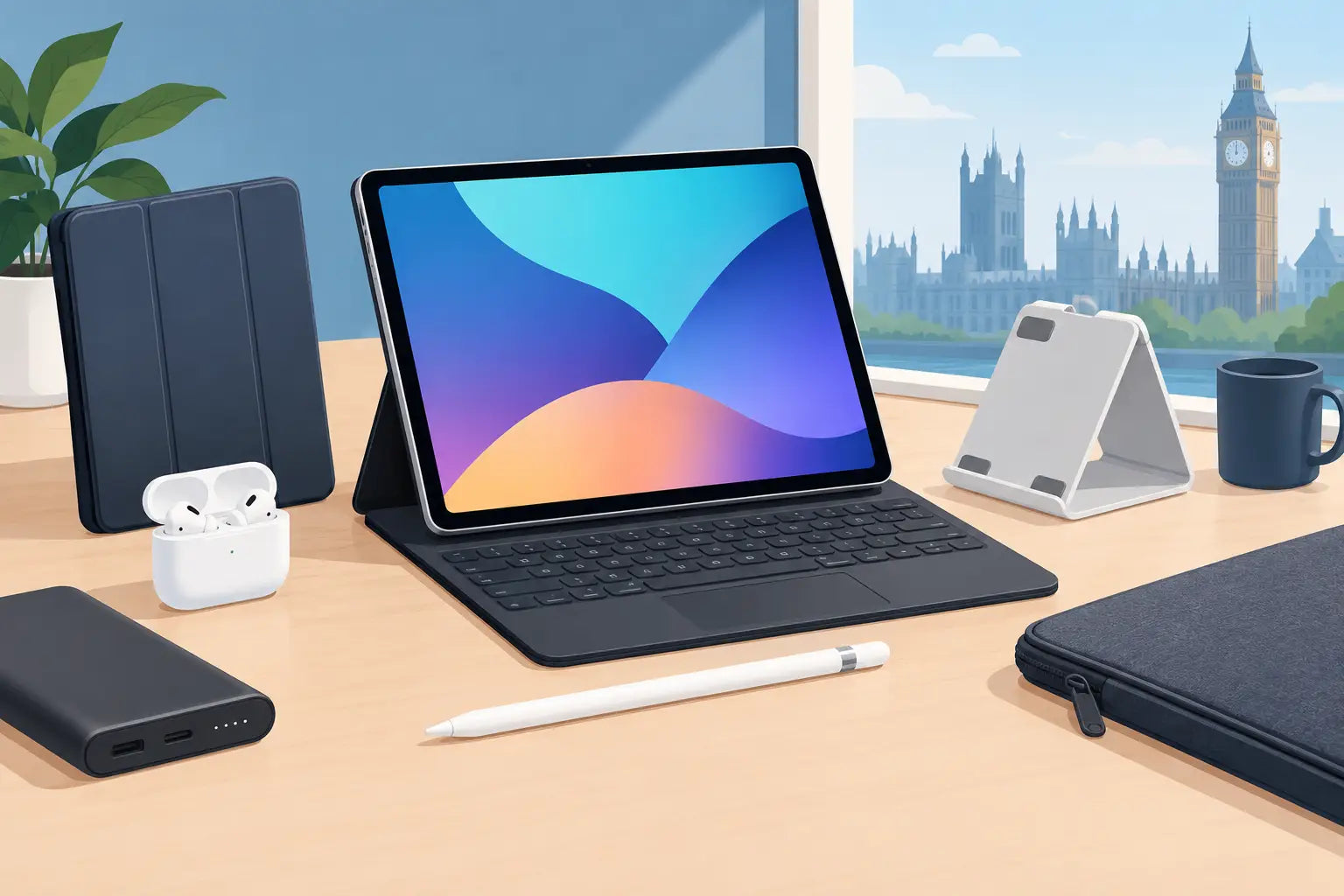
A great iPad can become a laptop, sketchbook, portable cinema, gaming screen or lecture-hall workhorse. The wrong accessory can turn it into an expensive tablet carrying a pile of cables you never touch. When shopping for iPad accessories UK buyers should start with the job they want the iPad to do, not a checkout-page impulse.
That sounds obvious. Yet it is how people end up paying for a keyboard case when they only type a few emails, or buying a cheap stylus that cannot keep up with handwritten notes. Better choices come from matching the accessory to your iPad model, your routine and the standard of performance you actually expect.
iPad accessories UK shoppers should choose first
A case that protects without getting in the way
A case is usually the sensible first purchase, particularly if your iPad travels between home, work, uni and the train. Protection matters, but so does bulk. A thick, heavily reinforced case is useful for a child’s device or a busy commute, but it can make an otherwise slim iPad awkward to hold for reading or watching video.
Look for a secure fit around the corners, clear access to buttons and charging ports, and a cover that will not slide open in a bag. A folding stand is worth having if you watch programmes, take video calls or follow recipes in the kitchen. The best angle is not always the steepest one: low angles are more comfortable for drawing, while upright positions suit typing and video.
If you use a magnetic attachment system, check that the case supports it properly. Poorly positioned magnets and loose covers are small frustrations until they happen every day.
A keyboard for proper typing, not just the occasional reply
A keyboard transforms the iPad for students, travellers and anyone who writes more than a paragraph at a time. It does not automatically replace a laptop. That depends on the apps you use, how many files you manage and whether your work requires specialist desktop software. But for notes, documents, email, web research and light admin, it can be a seriously capable setup.
There are two main routes. A keyboard case keeps everything together and provides a laptop-style feel. It is tidy and convenient, although it adds weight. A separate Bluetooth keyboard is often more comfortable to type on and lets you place the iPad at a better height, but it means carrying two items.
Do not buy by appearance alone. Check the keyboard layout is suitable for UK use, whether the trackpad is genuinely useful for your workflow, and how the case balances on your lap. A keyboard that feels brilliant at a desk can be hopeless on a train table.
A stylus that matches your notes or creative work
For handwritten notes, diagramming, photo marking and illustration, a good stylus is one of the few accessories that can change how often you use an iPad. The key is compatibility. Different iPad generations support different Apple Pencil models and third-party pens, and features such as pressure sensitivity, tilt support and magnetic charging are not universal.
For simple note-taking, a quality compatible pen may be all you need. If you draw, design or edit with precision, pay attention to responsiveness, palm rejection and charging method. A pen that needs frequent replacement batteries or has noticeable lag can quickly lose its bargain appeal.
It is also worth being honest about habit. If your notes live in paper notebooks and you do not enjoy writing on glass, a stylus will not magically convert you. Spend that budget on a keyboard or headphones instead.
Sound matters more than most people expect
The iPad is a strong entertainment device, but its built-in speakers have limits. For commuting, late-night viewing, gaming and focused work, headphones are often the accessory that earns its place fastest.
Wireless earbuds are the easy everyday option. They are compact, quick to grab and ideal for podcasts, music and calls. Over-ear headphones make more sense when sound quality, comfort and noise cancelling are the priority. They are less pocketable, obviously, but far better for long study sessions, flights and working near other people.
For gaming, low-latency performance and a clear microphone deserve more attention than headline battery life. For video calls, prioritise voice pickup and comfort. For music, fit matters as much as the badge on the earcup. Premium audio should feel good after an hour, not just impressive for five minutes.
This is where professionally refurbished premium headphones can be a smart move. A well-made pair of headphones does not become poor technology because it has had a previous owner. What matters is transparent condition grading, functional testing, hygiene checks where relevant, warranty cover and a retailer that tells you exactly what you are buying. FatBat is built around that principle: quality technology, checked properly, at a better price.
Storage, charging and connections: buy for the friction points
Most accessories solve a tiny annoyance. The useful ones solve an annoyance you meet repeatedly.
If your iPad storage is filling up with videos, photos or downloaded files, external storage can help - provided your model and software setup support the way you want to use it. A compact USB-C flash drive or portable SSD is particularly useful for creators moving large files, students backing up coursework and anyone transferring media between devices. Check the connector type before buying. Many newer iPads use USB-C, while older models may use Lightning.
A decent charging cable and power adaptor are less exciting, but they are worth getting right. Choose a reputable option with the right power delivery for your iPad and avoid the false economy of flimsy, unbranded cables. A longer cable is useful beside the sofa or bed; a short one is neater in a travel pouch. If you already have a capable charger, there is no prize for replacing it just because a newer accessory exists.
A USB-C hub can make an iPad more flexible at a desk, adding ports for storage, displays, wired networking or card readers. It is particularly handy for photographers and hybrid workers. However, hubs vary widely in build quality and port support. Check what you need now, not every socket you might possibly use one day.
Check compatibility before you chase a deal
The iPad name covers several ranges and generations. Cases, keyboards, pens and charging accessories are not interchangeable simply because they look close enough. Before you buy, identify your exact iPad model in Settings, then compare its dimensions, connector and accessory support against the product specification.
For any accessory, make four checks before pressing buy:
- Confirm the exact iPad generation and screen size, not just the range name.
- Check whether it uses USB-C or Lightning, and whether any adaptor is required.
- Verify support for features you care about, such as pencil charging, trackpad gestures or external display output.
- Read the condition description and included-items list, especially for refurbished or open-box products.
Build an iPad setup around your real day
A student may need a slim keyboard, reliable headphones and a protective stand case. A content creator may get more from a precise stylus, portable SSD and USB-C hub. A regular traveller might choose noise-cancelling headphones, a compact charger and a case that survives being packed and unpacked constantly.
There is no universal best setup, and buying every popular accessory is rarely the answer. Start with the one thing that removes the biggest limitation from your iPad use. Add the next piece only when you can name the problem it solves.
The best accessory is not the flashiest add-on. It is the one that makes your iPad earn its place in your bag, on your desk or by your sofa every day.