



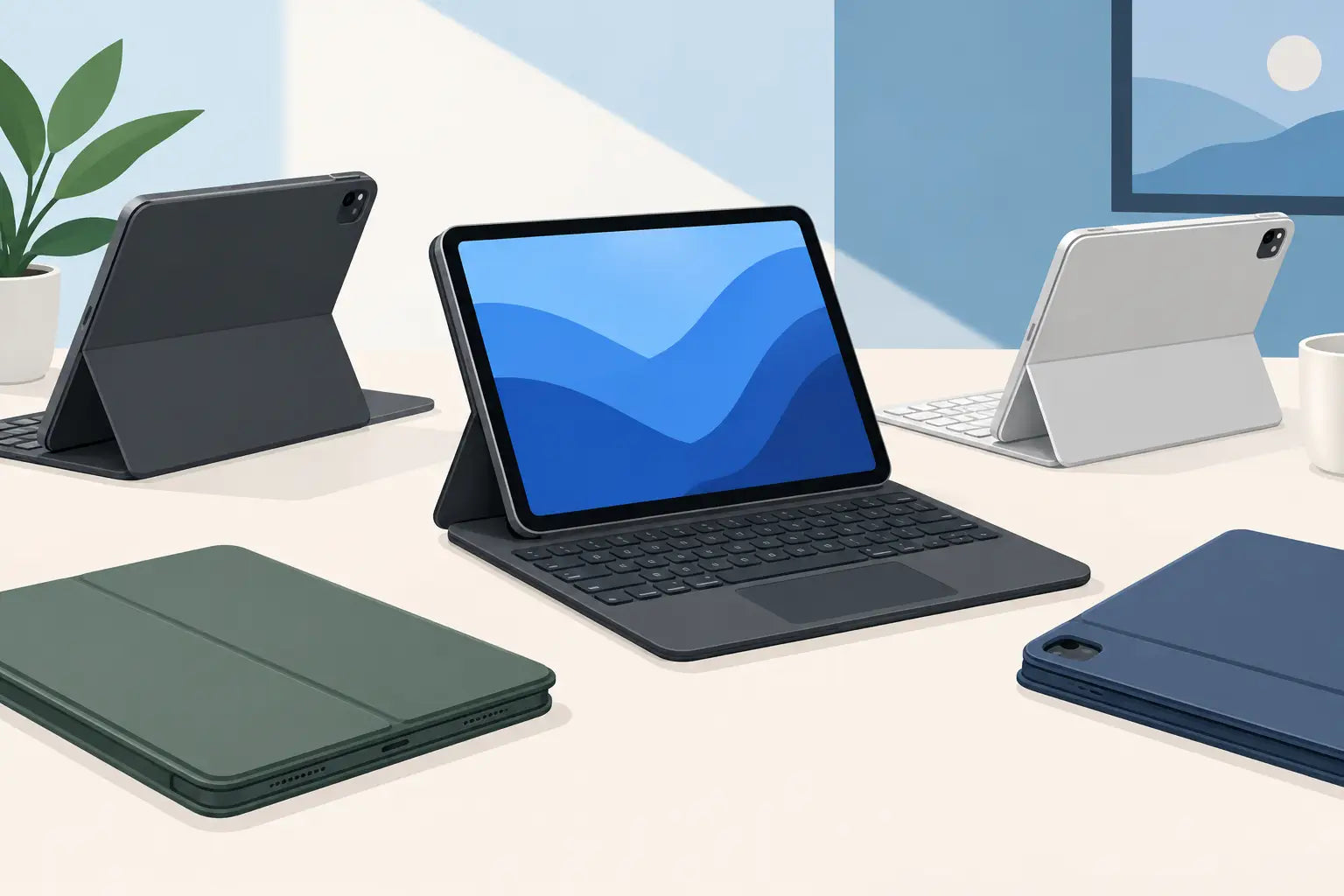
An iPad can cover far more than streaming and scrolling when it has a keyboard you actually want to use. The right iPad keyboard case turns a tablet into a practical setup for replying to emails, taking lecture notes, editing documents or keeping on top of messages while travelling. The wrong one adds bulk, misses keys or does not fit your exact iPad at all.
That is why the model name matters more than a tempting price tag. Before comparing colours, backlighting or trackpads, make sure the case is built for your iPad generation and screen size. A good fit protects the tablet, keeps the camera and buttons clear, and gives the keyboard a stable base rather than leaving it wobbling on a café table.
Start with exact iPad compatibility
Not every 10.9-inch or 11-inch iPad uses the same case. Apple has changed button positions, camera modules, connector layouts and dimensions between generations, while names such as iPad Air, iPad Pro and standard iPad can look deceptively similar in a product listing.
Check the model number in Settings, then General, then About. It normally begins with the letter A. Match that number, or the precise iPad generation stated by the manufacturer, to the keyboard case specification. If a listing says it is for iPad Air 11-inch M2, for example, do not assume it will fit an older iPad Air simply because both have an 11-inch display.
This is especially important with cases that use a Smart Connector or a close-fitting protective shell. A loose fit can obstruct the camera, press against buttons or leave corners exposed. Universal Bluetooth keyboards avoid some of these physical limits, but they still need a stand that supports your tablet securely.
Screen size is only the first check
Screen size helps narrow the choice, but it is not a full compatibility check. An 11-inch iPad Pro, 11-inch iPad Air and 10.9-inch standard iPad may each need a different case. Check the following before adding one to your basket:
- Exact iPad family and generation
- Model number, where provided
- Camera cut-out design
- Whether it supports your iPad's Smart Connector
- Whether it accommodates an Apple Pencil or USB-C charging cable
Choose an iPad keyboard case for how you work
For writing longer documents at a desk, prioritise key spacing, a solid hinge or kickstand, and a reliable viewing angle. Small, flat keys can be fine for quick replies, but they become tiring when you are working through reports, essays or revision notes. If you regularly type for more than an hour, look for a layout that gives the keys enough travel and does not crowd the punctuation too tightly.
A trackpad is worth considering if you want to use iPadOS more like a laptop. It makes selecting text, switching apps, dragging files and navigating spreadsheets quicker than reaching for the screen every few seconds. It is not essential for casual use, however. If your iPad is mainly for notes, online shopping and video calls, a lighter keyboard-only design can be better value.
For commuting or holidays, portability tends to matter more. A slim folio-style case is easier to carry and often protects the front and rear of the iPad. The trade-off is that it may have a less rigid base, particularly on your lap. A heavier keyboard case with a floating hinge can feel more laptop-like, but it takes up more room in a bag and adds noticeable weight to the tablet.
Gamers using an iPad for remote play, strategy titles or chat may prefer a detachable keyboard. It lets you position the tablet freely, then bring the keyboard in when you need to type. For competitive games, though, check whether the game itself supports keyboard controls. A keyboard case will improve messaging and browsing, but it cannot add keyboard input to a game that does not support it.
Connection and power: Smart Connector or Bluetooth?
Most iPad keyboard cases use either Apple’s Smart Connector or Bluetooth. Both can work well, but they suit different priorities.
Smart Connector keyboards draw power from the iPad and pair automatically once attached. There is no separate battery to charge and no Bluetooth pairing menu to manage. That simplicity is a major advantage for work or study, especially if the keyboard is used every day. It also keeps the setup clean: attach the iPad, open the case and start typing.
Bluetooth keyboard cases have their place. They can be compatible with a wider range of iPads and may pair with another device, such as an iPhone or laptop, depending on the model. They usually cost less than premium connector-based options too. The compromise is battery management. Check the stated battery life, charging connection and whether the keyboard switches itself off to save power.
If you choose Bluetooth, think about your routine. Charging a keyboard every few weeks is minor for most people. Discovering it is flat just before a train journey or online meeting is less convenient. A USB-C charging port is useful if your current devices already use USB-C, as it means one fewer cable type to pack.
Keyboard layout, shortcuts and backlighting
For UK buyers, a UK keyboard layout is not a minor detail. It affects the position of the @ symbol, quotation marks and pound sign, and it makes everyday typing feel familiar. Some low-cost cases use a US layout even when sold in the UK, so inspect the product images and specification rather than relying on the retailer location.
Dedicated iPadOS shortcut keys are another feature worth paying for if you use the tablet for productivity. Buttons for brightness, search, media control, volume, screen lock and home functions reduce the need to touch the display. They are particularly handy when the iPad is propped up at a distance during a video call or presentation.
Backlighting is useful rather than decorative when you type on an evening train, in a dim lecture theatre or beside a sleeping partner. Adjustable brightness helps preserve battery life on Bluetooth models. On the other hand, if you mostly type in a bright home office, backlit keys may not justify a meaningful jump in price.
Protection, Pencil storage and viewing angles
A keyboard case should not force you to choose between productivity and protection. A basic keyboard cover may protect the screen but leave the edges and rear exposed. A full shell or folio provides more reassurance against scuffs, minor knocks and daily bag wear, although it will add thickness.
Look closely at how the case handles the Apple Pencil or a compatible stylus. Some have a magnetic side that remains open for charging; others include a loop or covered holder. An enclosed holder is useful for transport, but make sure it does not prevent magnetic charging if that is how you use your Pencil.
Viewing angle is easy to overlook until you are working on your knees or trying to avoid reflections from a window. Cases with one fixed stand angle are compact and straightforward. Multi-angle stands offer more flexibility for typing, watching video and drawing, but hinges and kickstands need to be well made to remain stable over time.
Set a budget around the features you will use
An inexpensive iPad keyboard case can be a sensible choice for occasional emails, schoolwork or a spare device. Expect more basic materials, Bluetooth power and fewer adjustment options. That is not necessarily a problem if the fit is correct and the keyboard is comfortable enough for short sessions.
At the higher end, you are generally paying for better key feel, a trackpad, stronger hinges, connector power, backlighting and a more refined fit. Premium does not automatically mean right for everyone. Someone using an iPad as a daily laptop replacement may appreciate those upgrades; someone who types a shopping list once a week may not.
Recognised accessory brands can be a safer bet where long-term fit, firmware support and replacement availability matter. Value is still about the full package: condition, included cable or documentation where relevant, warranty cover and a clear returns process. New, refurbished and end-of-line stock can all make sense when the model is compatible and the condition is clearly described. FatBat shoppers should also compare the listed specification, not just the headline saving.
Check these details before you buy
Read the product specification once more before ordering. Confirm the exact iPad model, layout, connection type, charging method, trackpad presence, Pencil support and case colour. Product photos can show a different regional keyboard layout or iPad generation, so the written compatibility line should be the deciding factor.
Also consider what happens when the keyboard is not in use. Can the case fold behind the iPad for reading? Is the keyboard detachable? Does it sit comfortably in your usual bag? A case that is excellent for desk work can feel cumbersome for sofa use, and a super-slim travel folio may not suit daily spreadsheet sessions.
Choose the keyboard case that matches the way your iPad earns its place in your day. A precise fit and comfortable typing experience will be useful long after a flashy feature has stopped feeling new.