



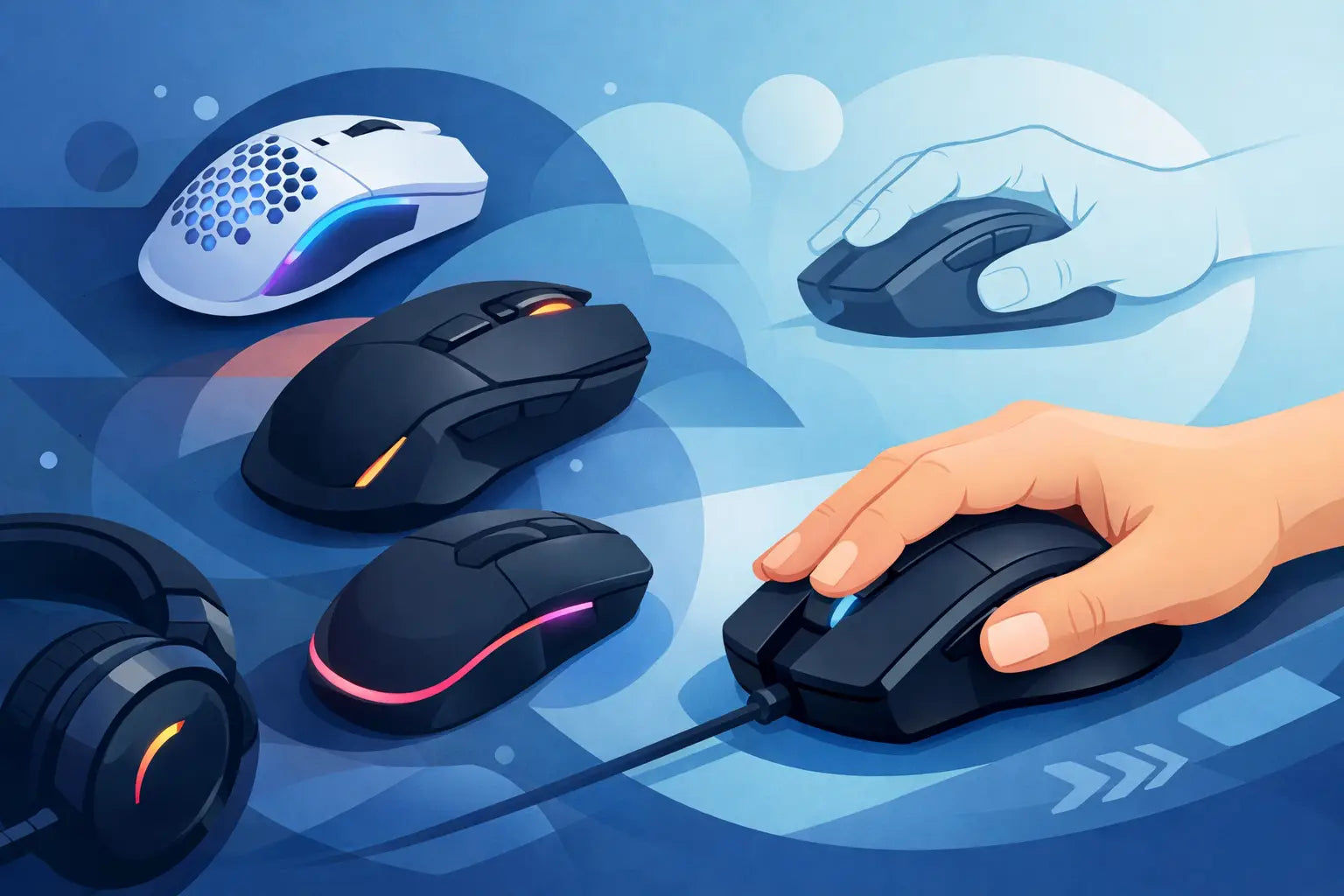
A mouse that is too large does more than feel awkward. It can make fast flicks less controlled, force your fingers to stretch for side buttons and leave your hand tense after a long session. The right gaming mouse for small hands should let you reach every control without shifting your grip, whether you are holding an angle in Valorant, managing a busy MMO raid or working through a late-night single-player session.
The good news is that smaller hands do not mean settling for basic hardware. Compact gaming mice are available with accurate optical sensors, low-latency wireless connections, programmable buttons and RGB lighting. The deciding factor is not the biggest specification list. It is finding a shape, size and button layout that works with the way you naturally hold a mouse.
What makes a gaming mouse suitable for small hands?
Length matters, but it is not the only measurement worth checking. A mouse around 110mm to 120mm long is often a comfortable starting point for smaller hands, particularly for claw and fingertip grips. Width and height matter just as much. A low, narrow shell can feel quick and easy to control, while a tall rear hump may suit players who like more palm contact.
Product dimensions are worth comparing before you buy. If you have measured from the base of your palm to the tip of your middle finger and it is below roughly 17cm, full-sized ergonomic mice can feel oversized. That does not rule them out completely, but a compact model is usually the safer choice.
Shape is where specifications become personal. Symmetrical mice tend to work well for fingertip and claw grips because they are easy to move with the fingers. Ergonomic right-handed models often provide more support for a palm grip, but can feel restrictive if the body is too wide or the thumb groove sits in the wrong place.
Start with your grip style
Your grip gives a much clearer buying direction than DPI alone. There is no single best shape for every small hand, so think about where your palm and fingertips sit while gaming.
Palm grip
With a palm grip, most of your hand rests on the mouse. Small-handed players usually need a short ergonomic design or a compact symmetrical mouse with a moderate hump. A large palm-grip mouse can push the buttons too far forward, making you reach with your fingertips rather than click naturally.
Choose a model with a gentle curve and accessible side buttons. Very lightweight designs can still work, but enough shell support is useful for slower, controlled games and everyday desktop use.
Claw grip
Claw grip players arch their fingers and keep only part of the palm in contact with the mouse. This grip suits compact mice particularly well. A rear hump gives the base of the palm something to brace against, while shorter length keeps the main buttons close to the fingers.
For competitive FPS games, many small-handed claw users prefer a lightweight mouse with crisp clicks and a simple button layout. You do not need a huge number of controls when quick, repeatable movement is the priority.
Fingertip grip
Fingertip grip uses the least palm contact and generally benefits from a low-profile, light mouse. The aim is to move the mouse with your fingers and make rapid micro-adjustments without dragging a large shell around the mat.
A shorter symmetrical design is often a strong fit here. Be careful with tall mice or pronounced curves: even if the overall length is compact, a high hump can get in the way of the freedom fingertip players want.
Weight: lighter is useful, not compulsory
A lighter mouse is easier to start, stop and reposition, which is why it has become a popular choice for FPS players. For small hands, low weight can be especially helpful because you are less likely to compensate for an oversized shape by gripping too hard.
That said, the lightest option is not automatically the best value. If you mainly play strategy games, RPGs or use the same mouse for work, a slightly heavier model may feel more planted and deliberate. Build quality, click feel and shape should come before chasing the lowest possible gram figure.
Wireless mice are no longer a compromise for most gaming setups. Modern 2.4GHz wireless connections from recognised gaming brands offer responsive performance without a cable catching on the desk. They do cost more than comparable wired models, so a wired mouse remains a sensible option when the budget is tight or you prefer not to charge another device.
Features worth paying for
A high maximum DPI figure looks impressive, but most players use a fraction of it. Sensor consistency, tracking accuracy and sensible software adjustment are more useful than an extreme headline number. Look for a quality optical sensor, onboard memory if you use more than one PC, and software that lets you adjust DPI stages and remap buttons.
For a gaming mouse for small hands, side-button placement deserves close attention. Buttons should sit under your thumb without forcing a stretch, and they should be distinct enough to press confidently in-game. This matters more in games where push-to-talk, melee attacks, abilities or weapon swaps live on the side controls.
Consider these practical checks when comparing models:
- Compact dimensions that match your grip rather than just your hand length.
- A shape that keeps the main clicks and side buttons within easy reach.
- A reliable optical sensor and polling rate suited to the games you play.
- Wireless connectivity if cable freedom matters, or a flexible wired cable for lower-cost performance.
- Enough programmable buttons for your usual games, without paying extra for controls you will not use.
Compact versus mini models
A product labelled “mini” is often worth a look, but do not treat the name as a guarantee. One manufacturer’s mini may be another manufacturer’s medium-sized mouse. Check the full dimensions, especially width, and compare them with a mouse you already know.
Compact versions of popular designs can be a useful shortcut because they retain familiar sensors, switches and wireless features in a smaller body. They are particularly practical if you like the technology in a premium gaming range but find its standard model too long or wide.
There is a trade-off. Mini mice may have fewer buttons, shorter battery life or less room for a deeply sculpted ergonomic shape. For many small-handed players, those compromises are minor compared with being able to hold the mouse comfortably for hours.
Do not overlook buttons and scroll wheels
Small hands can struggle with controls that are positioned for a wider grip. A stiff scroll wheel may be frustrating in games that rely on rapid weapon switching, while overly soft side buttons can lead to accidental presses when you grip firmly.
Main buttons should feel predictable rather than necessarily ultra-light. The right click tension depends on the games you play. Fast shooters may favour quick, low-force clicks, while a firmer button can feel more controlled for general use. If possible, focus on reviews and product details that describe switch type, button placement and overall shape, not only sensor figures.
Ambidextrous designs can be a good option for left-handed gamers, but check which side buttons are actually usable. Some symmetrical mice look ambidextrous yet only have thumb buttons on the left side. A truly left-handed-friendly layout is less common, so it is worth confirming before ordering.
Getting good value without buying twice
The most expensive mouse is not necessarily the best gaming mouse for your hand. A well-priced wired compact model with the right shape can outperform a premium wireless mouse that is simply too large. Start by narrowing down the grip and dimensions, then compare sensor, connectivity and button requirements within your budget.
Refurbished and end-of-line gaming peripherals can make higher-spec hardware more attainable, provided the condition and warranty are clearly stated. At FatBat, checking the model details alongside the listed warranty and product condition helps you compare new and refurbished options with confidence. Free UK delivery also makes it easier to focus the decision on fit and features rather than unexpected checkout costs.
Before committing, place your current hand on a ruler or measure the mouse you already use. Note what feels wrong: is it too long, too wide, too heavy, or are the thumb buttons hard to reach? That small bit of comparison turns a vague search into a much better purchase decision.
A good fit should disappear once the game starts. When your fingers reach the controls naturally and your hand stays relaxed, you can spend less time adjusting your grip and more time making the next move.